Download
Coming soon.
The public beta is on its way. When it's out, one setup wizard installs the game mode and every add-on you pick, and it's free.
c3rsetup.exe
Windows · free · not out yet
Public beta · coming soonWindows may warn you
The wizard isn't code-signed, so SmartScreen can show “Windows protected your PC”. Click More info, then Run anyway. It only downloads the release and builds a folder on your PC.
When it's out · four steps
The install.
- 1
Run the wizard
Open c3rsetup.exe and pick your add-ons and settings: keybinds, who can go on duty, backup vehicles, chances. Everything is filled in for you.
- 2
It builds your folder
The wizard downloads the latest release and builds your own [c3r_core] folder. It needs internet while it runs, and it never touches your server, so Windows and Linux servers both work.
- 3
Drop it in
Drag [c3r_core] into your server's resources folder and add one line to server.cfg, after oxmysql.
- 4
Go on duty
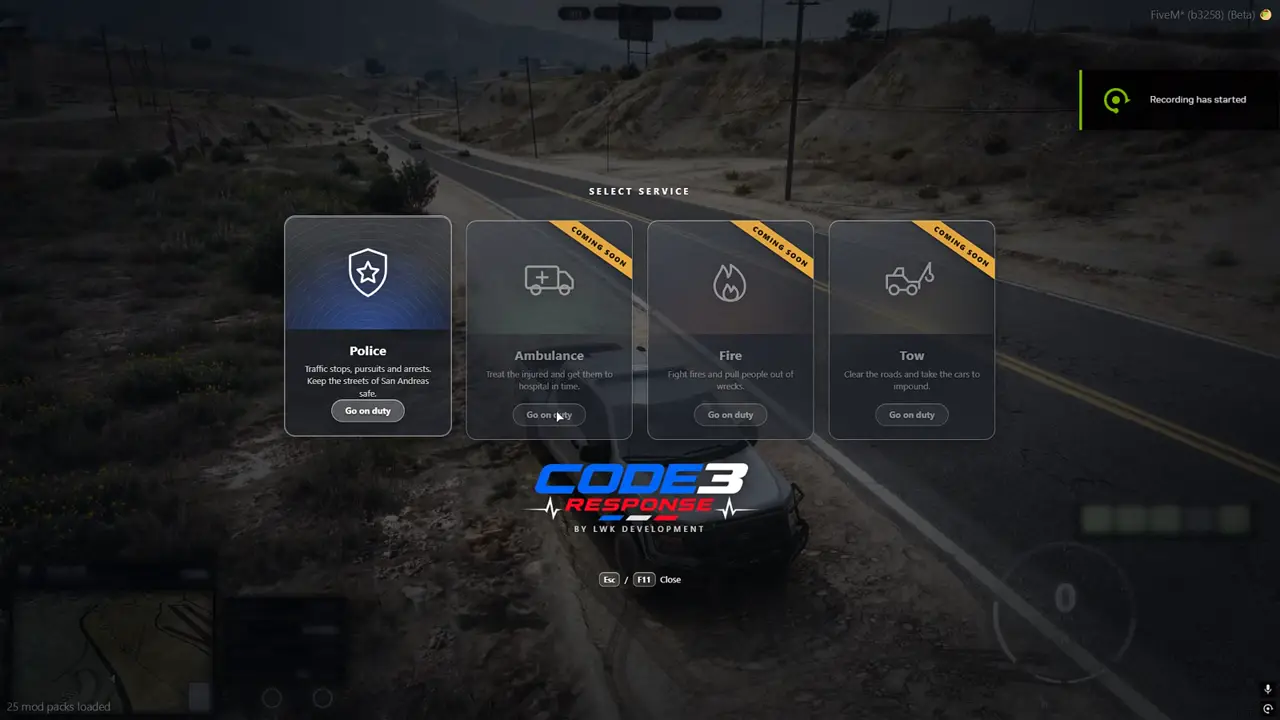
Start the server, press F11 in game and pick Police. The database tables make themselves on first start.
server.cfg
ensure oxmysql
ensure [c3r_core]
Requirements
What you need.
- A FiveM server with OneSync (it's on by default).
- oxmysql, with mysql_connection_string set.
- Nothing else. No ESX, QB or QBox, no ox_lib, no paid scripts.
Get oxmysql from its GitHub page.